
Introducing The WP Garden
I have a new home for my WordPress plugins: The WP Garden.
Everything I publish on WordPress.org now lives there, with proper plugin pages, documentation and a support route that does not run through my contact form. The plugins themselves stay free on WordPress.org and nothing about how you install or update them changes.
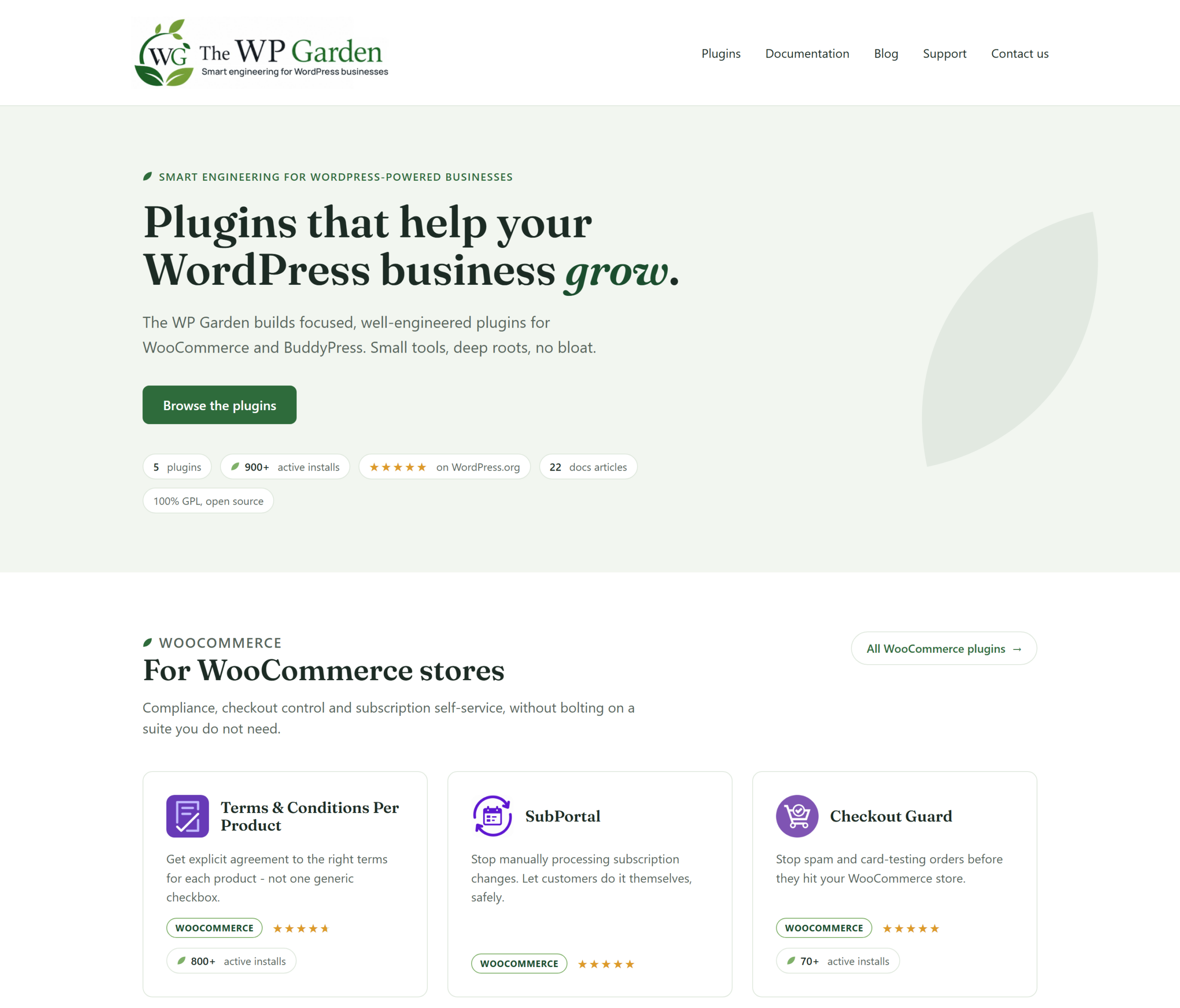
Table of Contents
Why I built it
I have been publishing plugins on WordPress.org since 2015. Until this year they lived on this site as posts filed under a category called “My Plugins”, written once and then left alone.
That worked for a while. It stopped working once people started running these plugins on real stores and writing in with real problems.
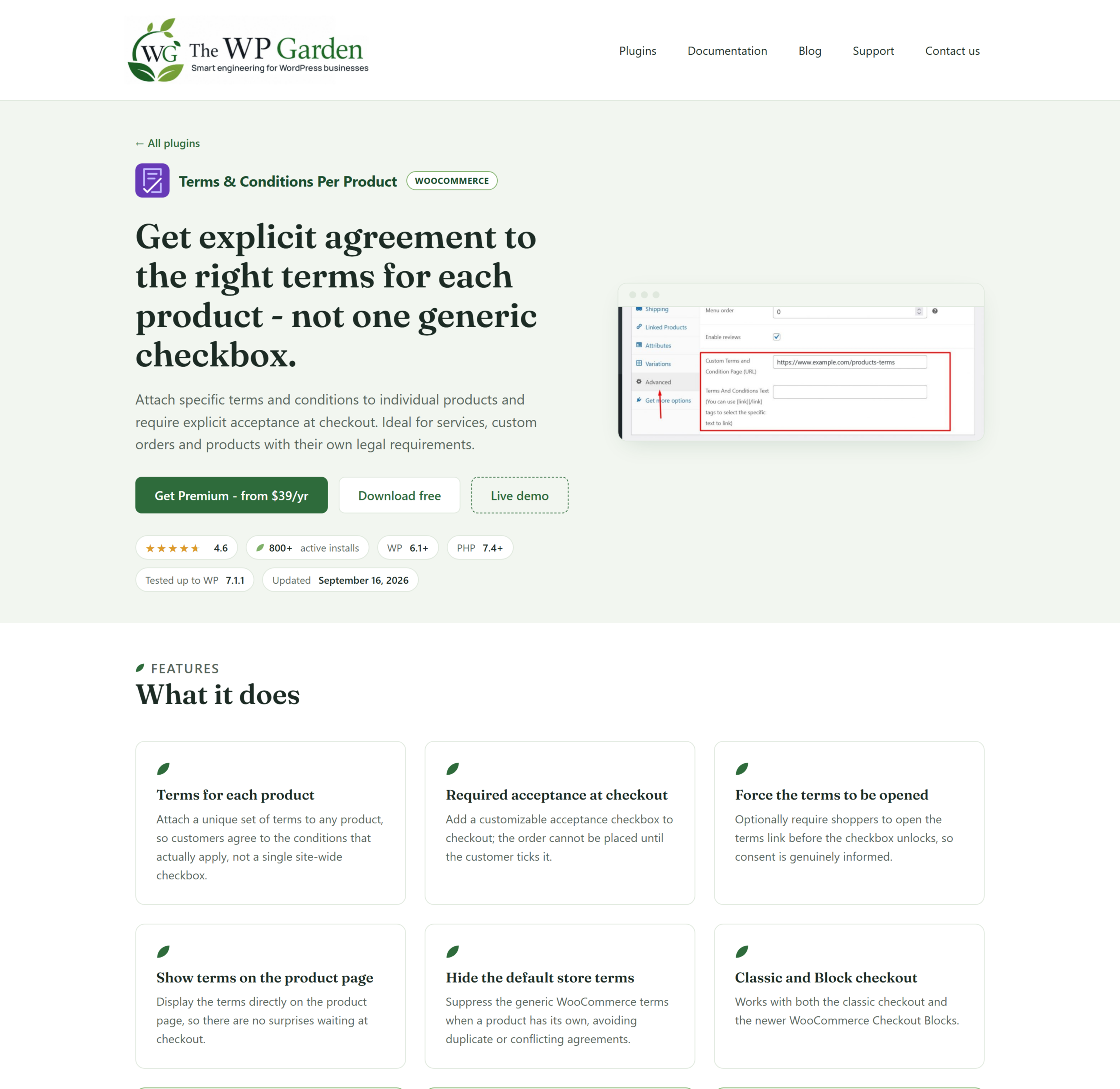
A plugin needs things a blog post cannot give it. Documentation, a straightforward support route, and all the practical details you check before installing anything on a live store: which version it needs, what changed in the last release, whether it works with the setup you already have.
What’s on the site
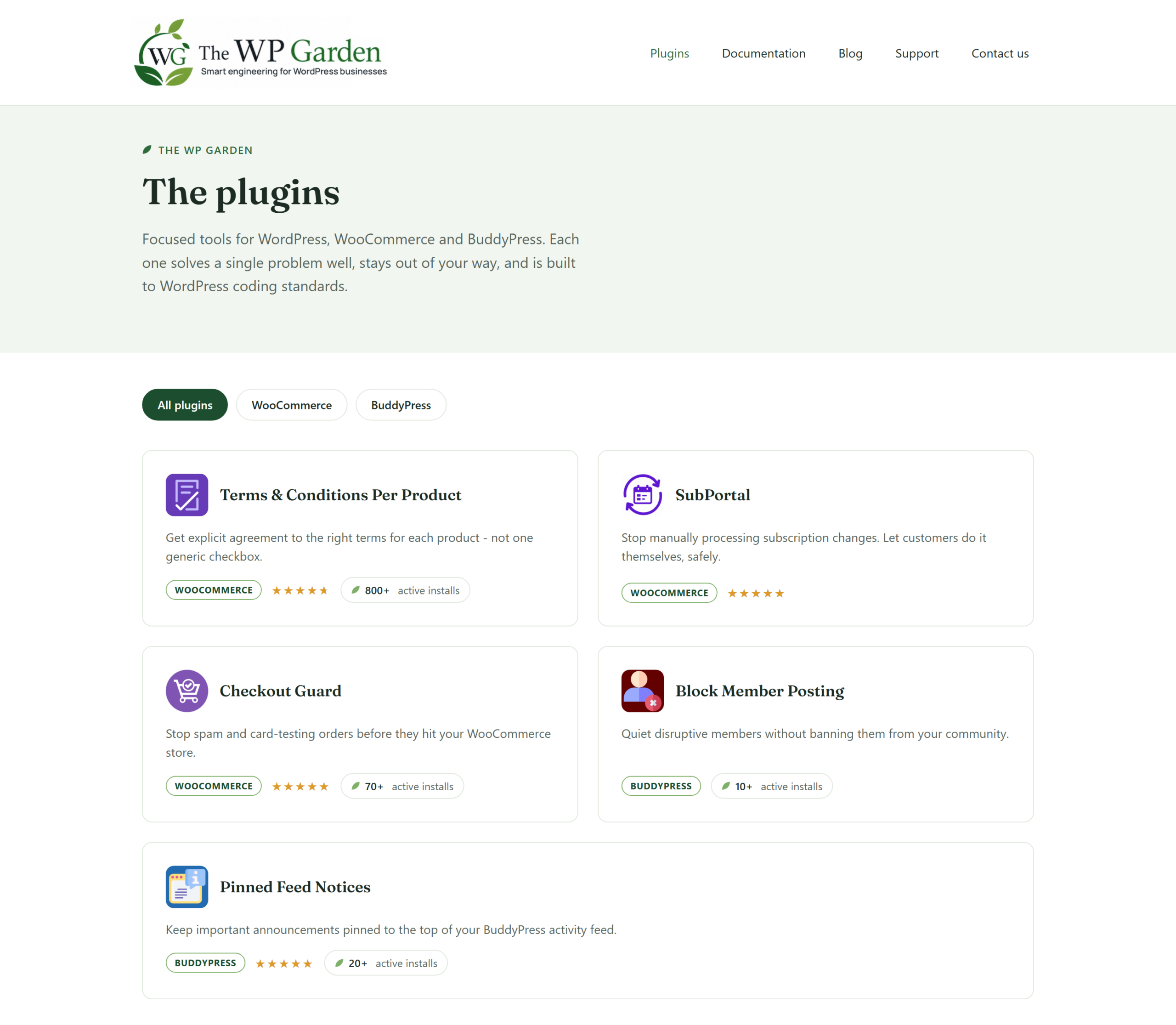
All the plugins I have created, each with a page that covers what it does, what it needs, and how to set it up.
Behind the plugin pages sit many documentation articles with their own search. Support for the free plugins runs through the WordPress.org forums, which keeps answers public and searchable for the next person with the same problem. Premium support goes to email.
How I build these
Every plugin on the site started as an idea from a client problem. I do WooCommerce work directly and through Codeable, which means I have experience with many high traffic online stores. I see what breaks under real traffic, what the owner is working around by hand, and what they need rather than what a feature list says they should want.
After enough of those projects the same gaps start repeating. Different industries, different sizes, different themes, and the same short list of things WooCommerce does not do on its own. When a gap keeps coming back and the fix works beyond the store I first built it for, it becomes a plugin instead of the same custom code written a fourth time.
That is why these plugins are narrow. Each one solves a problem I have watched a store owner struggle with, so it does that job and stops there.
Everything stays GPL and everything stays free on WordPress.org. Where a premium version exists, it sits on top of the free plugin rather than being carved out of it. Nothing free today becomes paid tomorrow.
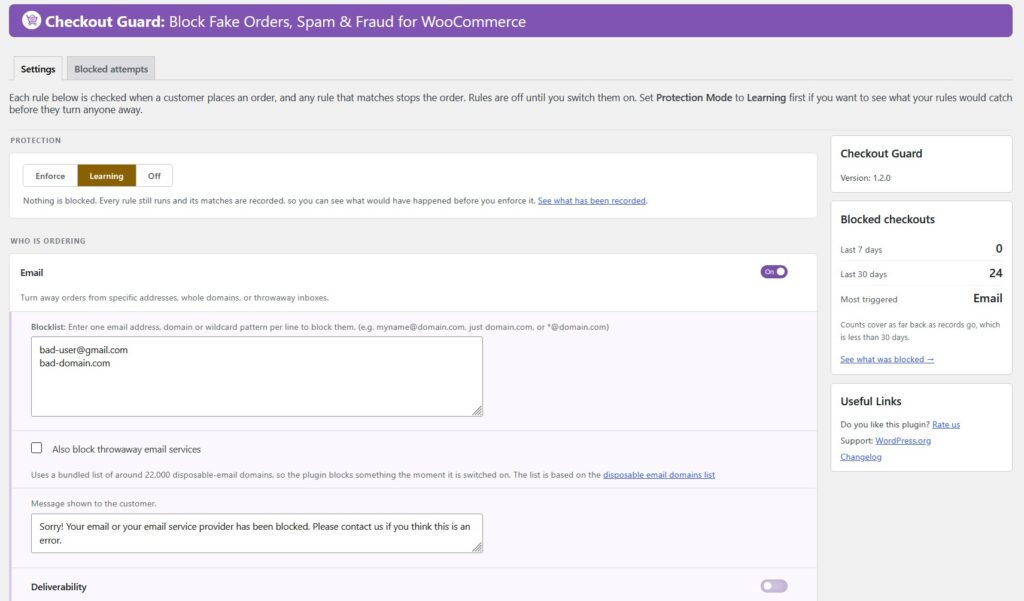
Checkout Guard settings
This does not replace my freelance work
I still take WordPress projects directly and through Codeable, and this site is still where that starts. If your store needs something built, you are in the right place.
The two feed each other. I am here to help you with your online store problems, and the plugins offer solutions that can be used off the shelf. Splitting them across two sites was about giving each one a page that focuses on specific user needs.
Have a look
Install a plugin from your dashboard, read the documentation, or tell me what is missing. The plugins on that site exist because somebody described a problem to me, so if yours is not covered yet, I want to hear it.